Let your voice through.
Two built-in digital microphones with noise reduction help reduce background sound during conversations.
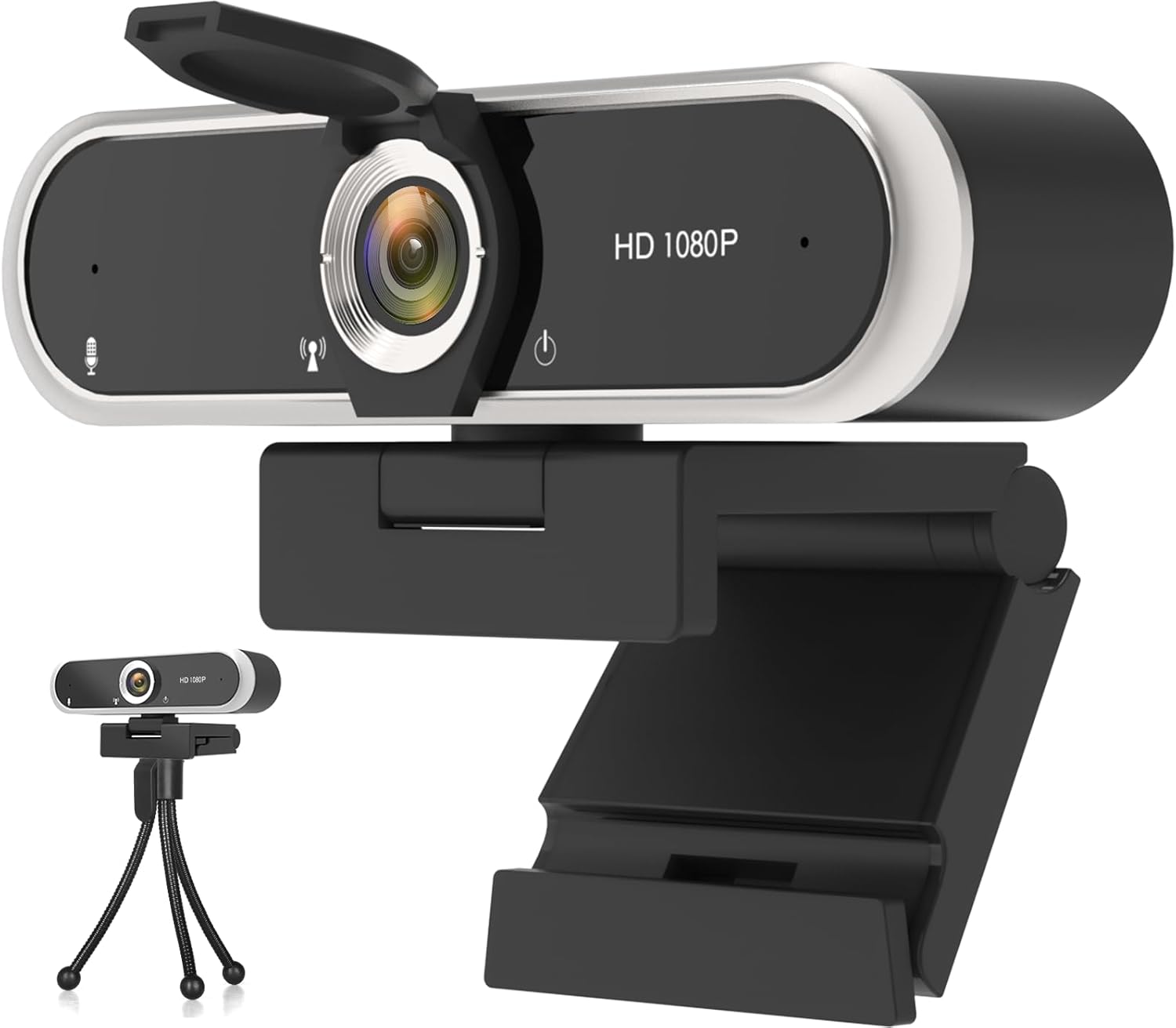
YOUR EVERYDAY CONNECTION
A simple way to bring clear video and voice to your desk.
Full HD video, up to 30 fps
Built-in microphone
Physical privacy cover
USB plug & play
Check current pricing, availability and package contents on Amazon. Your purchase is completed there.
Already have one? Get set upALL THE EVERYDAY ESSENTIALS
Set the webcam on your monitor, connect it to a USB port and select it in your video app. Automatic light correction helps adjust the picture as your surroundings change.
When you’re finished, close the lens cover for visual privacy. Microphone controls remain in your app or computer settings.
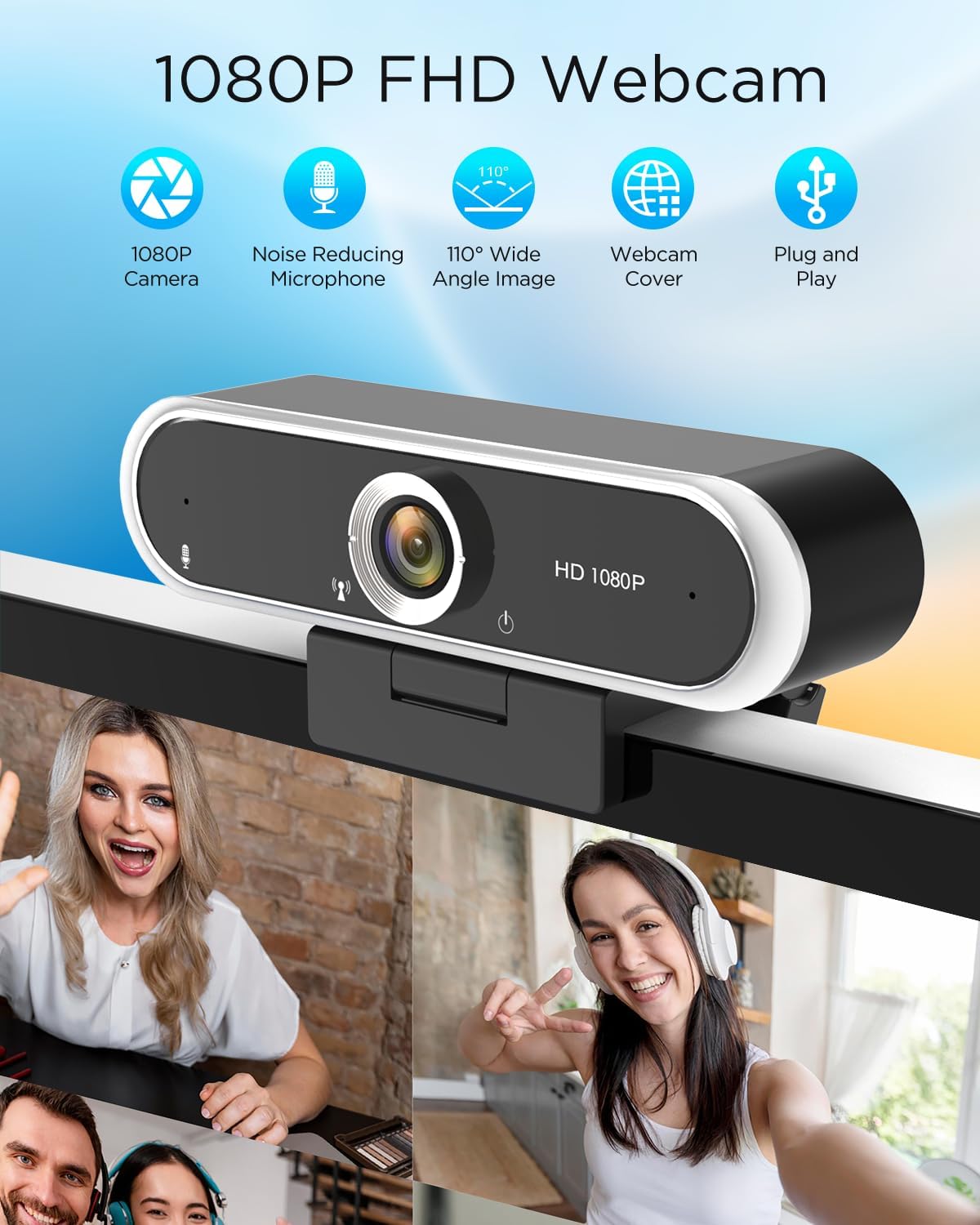
PICTURE. VOICE. FLEXIBILITY.
Two built-in digital microphones with noise reduction help reduce background sound during conversations.
An adjustable clip supports monitor mounting or desktop placement. The camera rotates through 360° for flexible positioning.
Connect through USB 2.0, then choose the webcam and microphone in your app. Basic camera use does not require a separate driver download.
CHECK YOUR SETUP
Windows, macOS, Linux and Android.
Use with Zoom, Twitch and YouTube workflows.
Compatibility depends on the device, operating-system version, USB connection and app support for external cameras. Android devices must support a USB camera. Check your setup before purchasing; app video limits may be lower than the camera’s resolution.
Setup instructions & troubleshooting →THE DETAILS
Video quality and frame rate can vary with lighting, your computer and app settings.